
Whether you’re running a blog, an online store, or a business site, customize the Neve WordPress Theme to elevate your website to a whole new level.
Neve, developed by Themeisle, is a super-fast, multi-purpose theme that’s perfect for small businesses, personal portfolios, and even e-commerce shops. Its versatility, combined with tools like the Header and Footer Builder, ensures that every aspect of your site can be tailored to your needs.
To design Neve theme is one of the most versatile and user-friendly WordPress businesses available. Known for its speed, flexibility, and ease of use, it has become a favorite among website designers and developers.
In this tutorial, you’ll learn how to customize Neve theme step by step, from adjusting the header and footer layout to tweaking the responsive design for desktop, tablet, and mobile views.
We’ll also cover how to integrate popular page builders like Elementor, Brizy, and Gutenberg to create a seamless user experience.
Whether you’re using the free version or Neve Pro, this guide will unlock the full potential of your website.
From importing starter sites to setting up a WooCommerce storefront, we’ve got you covered. Learn how to edit fonts, adjust the content’s margins, and utilize pro features like AMP integration and global colors. Let’s transform your WordPress website into a polished, professional site managed effortlessly by you!
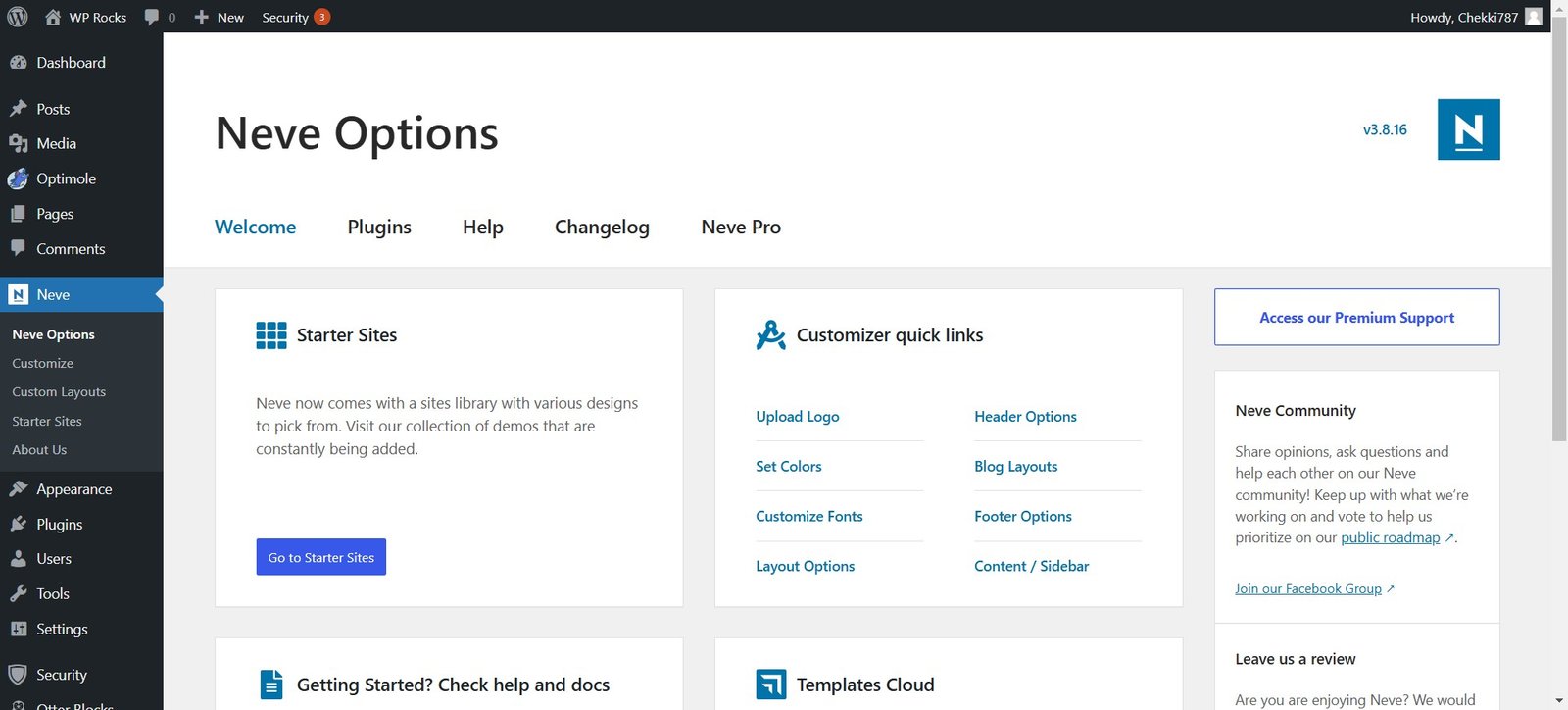
⚙️ Neve Options
The Neve theme offers a range of customization options that make it adaptable to various website needs. From layout adjustments to typography settings, Neve provides tools that ensure your website looks and performs at its best. Let’s explore these options.
🚀 Neve Accessibility
Accessibility is a crucial factor in modern web design.
The Neve theme prioritizes accessibility by offering features such as keyboard navigation support, ARIA labels, and contrast controls.
These features ensure that your website is usable by everyone, including individuals with disabilities. By optimizing accessibility, Neve helps improve your website’s user experience and search engine rankings.
🖌 Customizer Options
The WordPress Customizer is the hub for modifying the Neve theme. Let’s dive into the specific customization options available:
Layout
- Adjust site width and spacing to match your design goals, ensuring a balanced and visually appealing layout that aligns with your brand identity and enhances the user experience.
- Choose between boxed and full-width layouts to suit your website’s design needs, ensuring maximum flexibility and alignment with your overall visual goals.
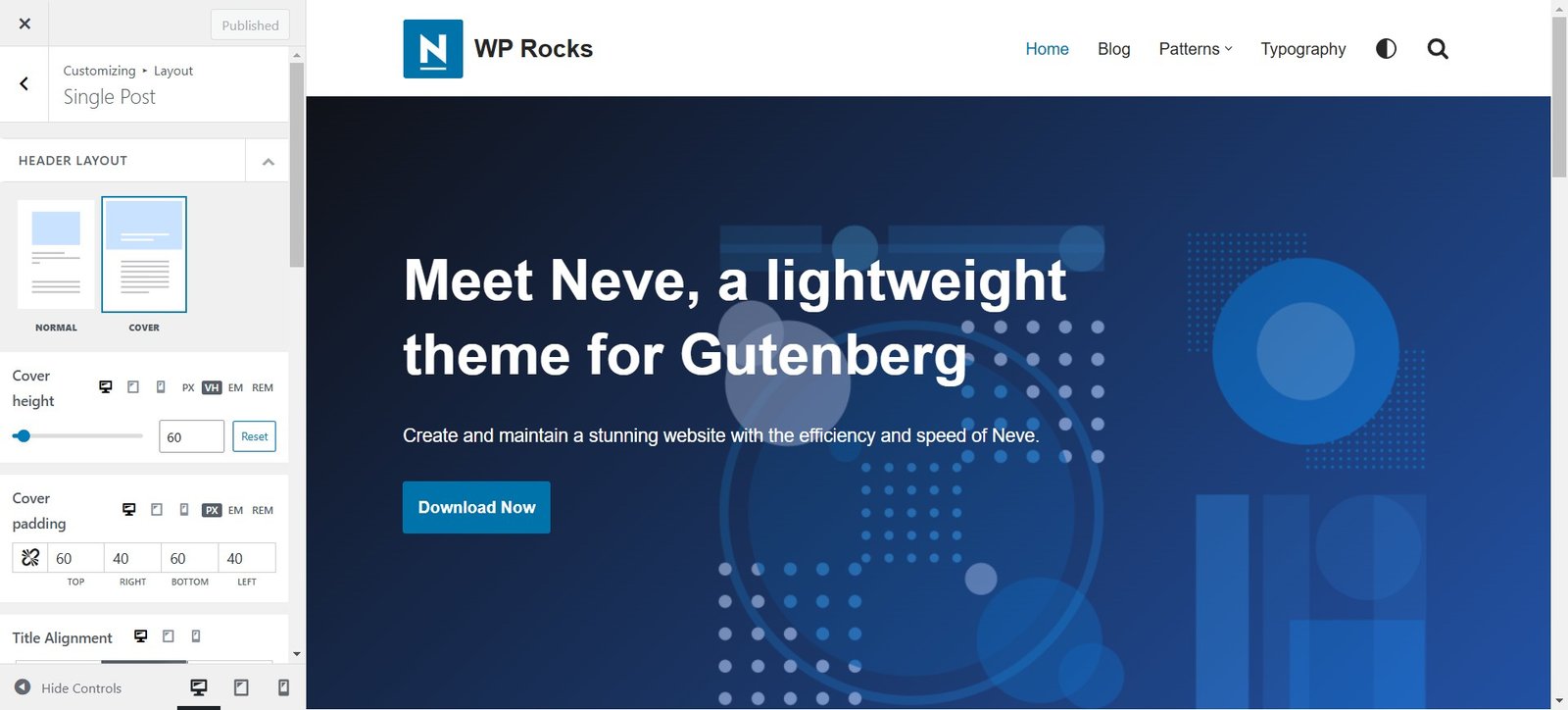
Header
- Customize the site header with logos, menus, and call-to-action buttons that enhance the navigation and visual identity of your website.
- Use Neve’s drag-and-drop header builder for quick adjustments, allowing you to rearrange and personalize elements effortlessly to create a header that perfectly suits your site’s needs.
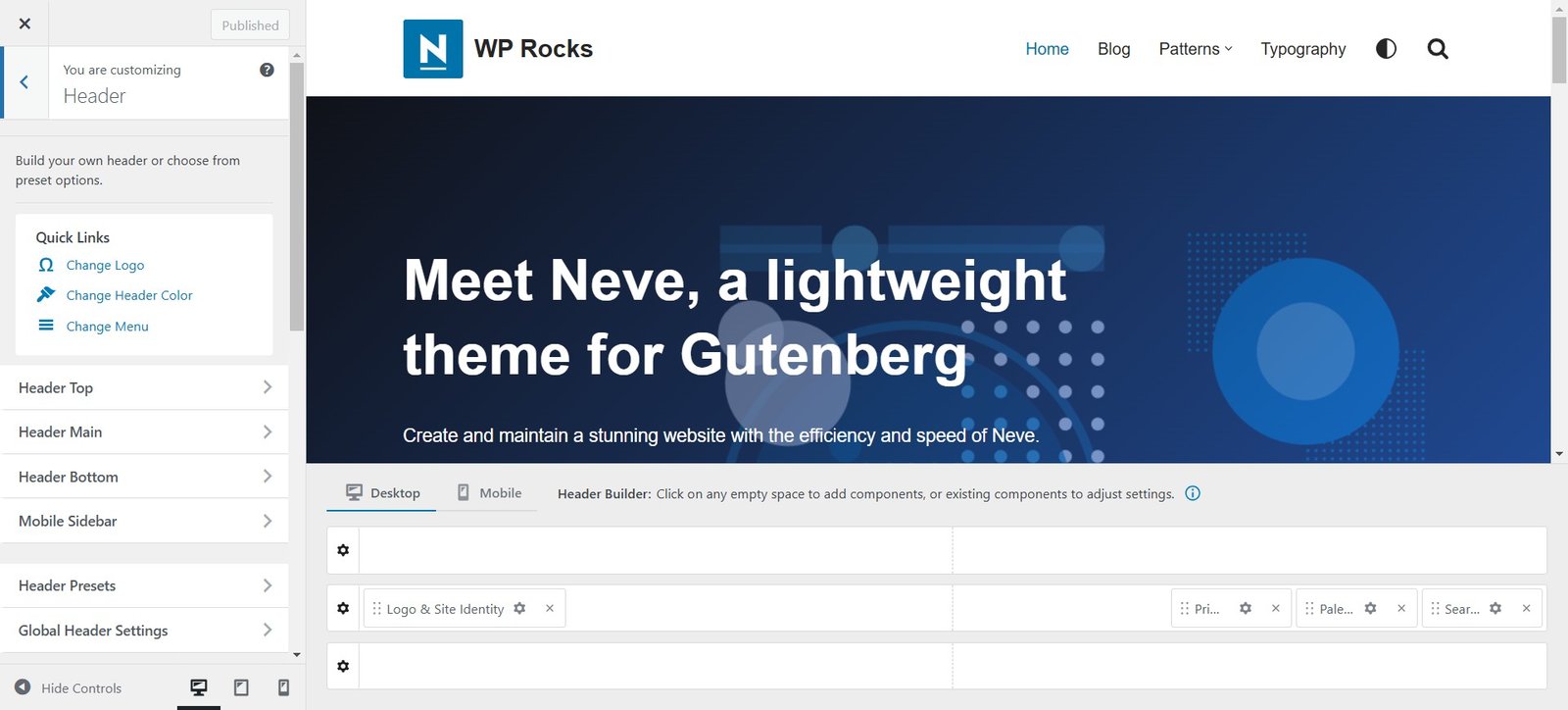
Footer
- Modify footer columns and add widgets for additional functionality, such as recent posts, contact forms, or newsletter sign-ups.
- Include social media links and copyright text to complete your website’s branding, ensuring consistent communication of your brand identity throughout the site.
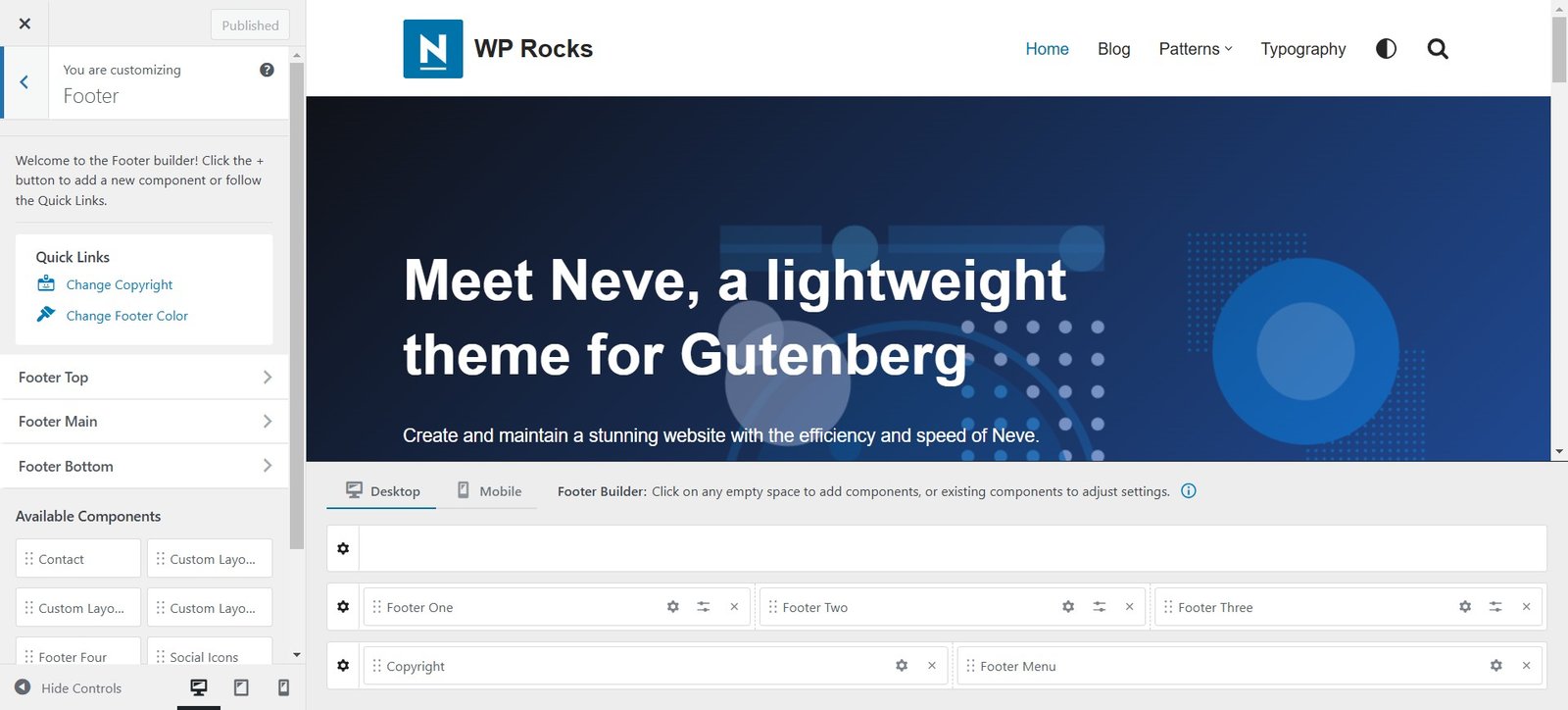
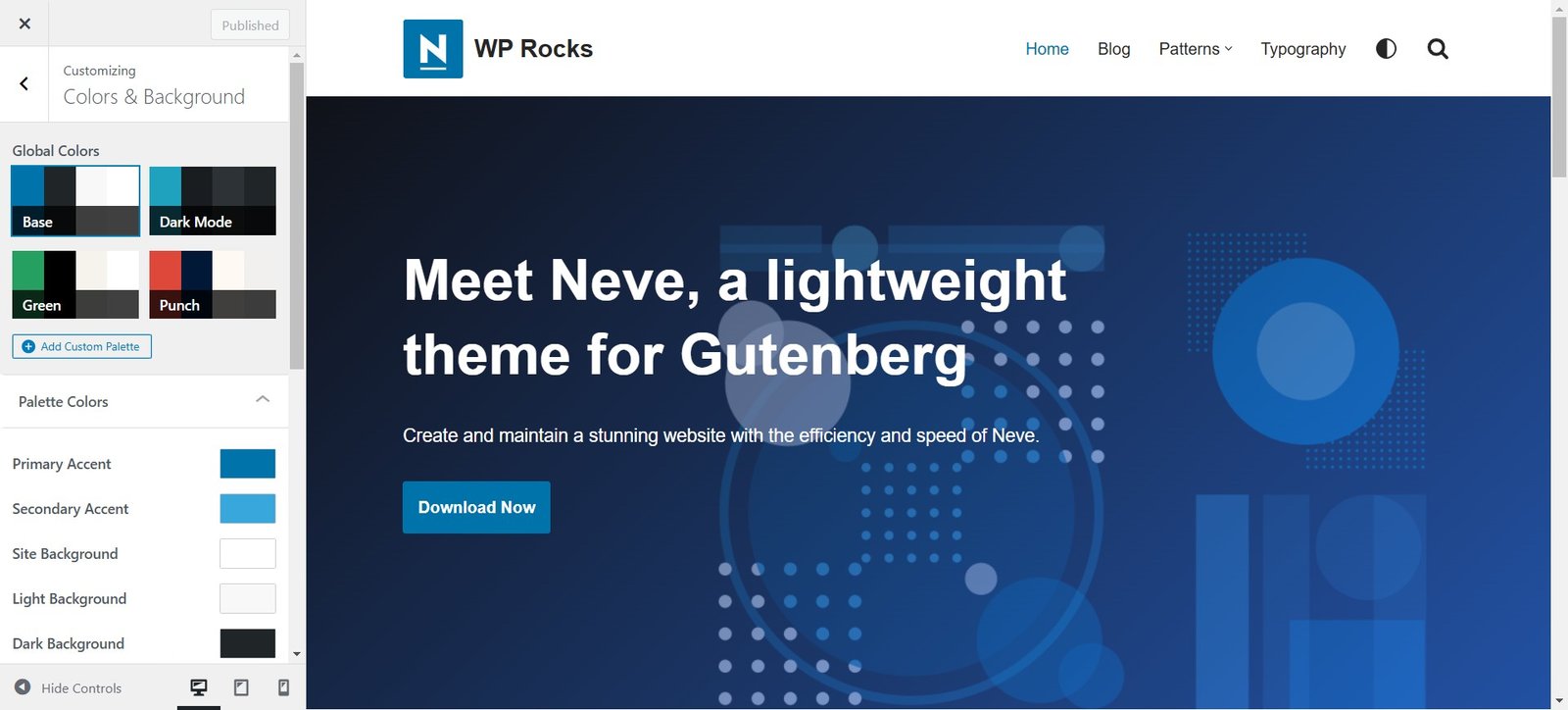
Colors & Background
- Set a consistent color scheme that aligns with your brand to build a cohesive and professional appearance.
- Customize background colors or add high-quality images to create a visually engaging backdrop that complements your content.
Typography
- Choose from a variety of fonts for headings, body text, and menus. Utilize Google Fonts or premium fonts available in the theme to ensure a unique aesthetic.
- Adjust font sizes, line heights, and letter spacing for readability, ensuring your content is visually engaging and easy to consume on all devices.
Buttons
- Style buttons to match your website’s theme and enhance the user experience.
- Modify button colors, hover effects, and padding to create visually appealing and interactive elements that encourage user engagement.
Form Fields
- Enhance form designs for better user engagement by tailoring the aesthetics to match your brand.
- Customize input fields, labels, and error messages for a seamless user experience, ensuring forms are accessible and visually cohesive.
Menus
- Organize navigation menus for intuitive user flow, making it easier for visitors to find relevant information.
- Add dropdowns and mega menus for complex websites, providing a structured and user-friendly navigation system.
Widgets
- Integrate useful widgets such as recent posts, search bars, and social media feeds to increase functionality and engagement.
- Customize widget areas to align with your website’s layout and design, adding value to your site’s usability.
WooCommerce
- Optimize your online store’s design with Neve’s WooCommerce support to provide a smooth shopping experience.
- Customize product pages, checkout forms, and shopping carts to match your brand identity and improve user conversion rates.
Additional CSS
- Add custom CSS code for advanced design tweaks to implement unique styles that go beyond the default options.
- Override default styles to achieve a distinctive visual identity, ensuring your website stands out from competitors.
🌐 Neve Page Options
Global Options
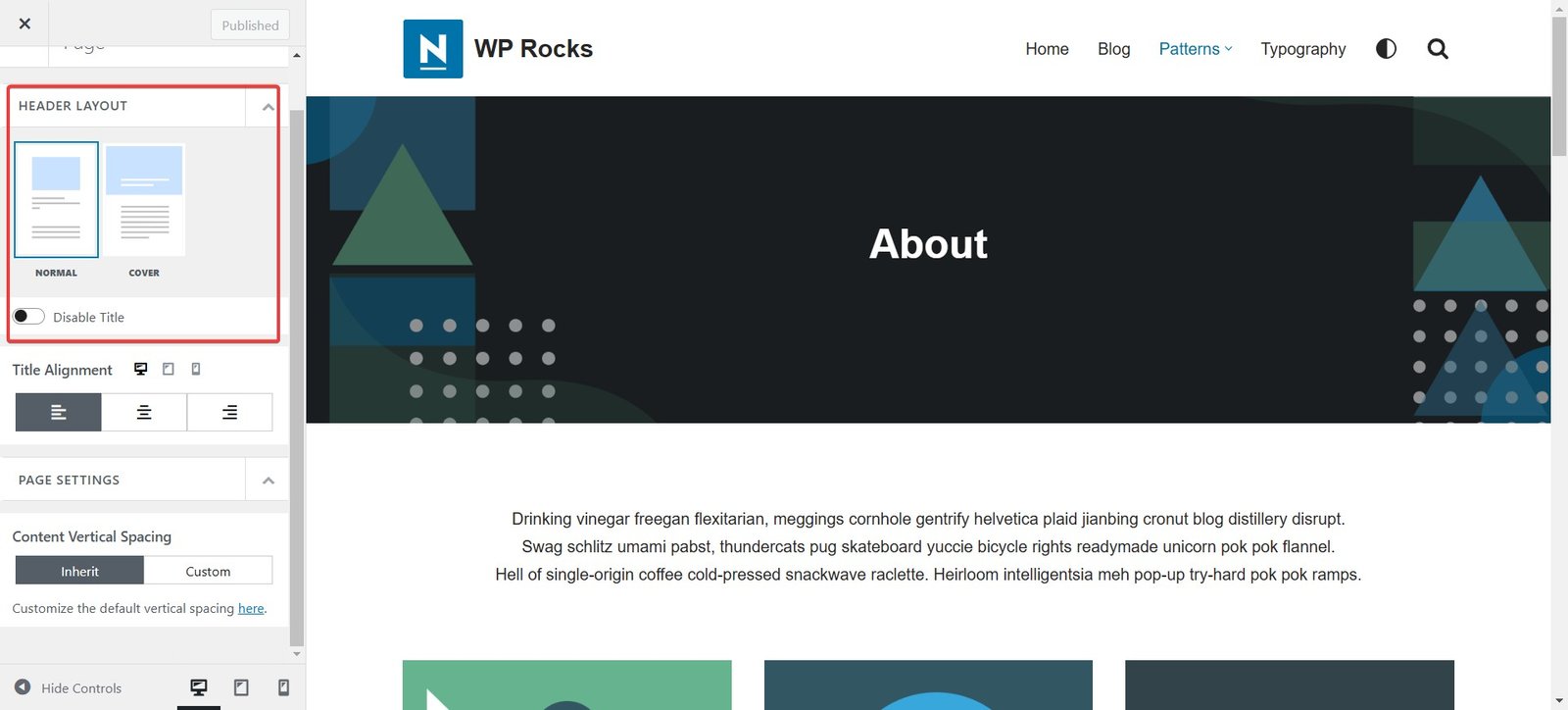
Neve’s global page options allow you to maintain consistency across your website, ensuring a unified design and user experience. Here are the key features:
- Normal: Use standard settings for most pages to provide a clean and structured layout.
- Cover: Create visually striking full-width pages perfect for showcasing content like portfolios, banners, or landing pages.
- Page Settings: Define default settings for headers, footers, and sidebars, enabling efficient management of site-wide elements without repetitive adjustments.
👤 Individual Page Options
For more granular control, Neve offers individual page settings to tailor each page to specific needs:
- Page Layout: Choose between default, full-width, or no sidebar layouts to suit the purpose of your content, whether it’s informational or immersive.
- Page Title: Customize the appearance and visibility of page titles to align with your branding or specific page aesthetics. Opt for bold, minimal, or hidden titles depending on the context.
- Elements: Enable or disable specific page elements such as breadcrumbs, meta information, or featured images, ensuring a streamlined and focused design for every page.
Theme Customization in Free Version
The free version of the Neve theme provides robust customization tools, making it suitable for a wide range of websites. It’s ideal for users who want professional designs without incurring extra costs. Here are some highlights:
A Drag and Drop Header and Footer Builder
Neve’s intuitive builder allows you to create custom headers and footers without any coding knowledge.
You can effortlessly drag and drop elements such as logos, menus, call-to-action buttons, and widgets to design a layout that not only looks great but also enhances usability. This flexibility ensures that the header and footer align perfectly with your brand’s identity and meet your functional requirements.
Advanced Layout Options
Even with the free version, you can create advanced layouts that cater to various content needs. Adjust column widths, alignments, and spacing to craft a cohesive and well-structured design.
Whether you’re building a blog, portfolio, or small business website, these layout tools help you maintain a professional appearance.
Additionally, Neve’s responsive design options ensure that your layouts look perfect on any device, providing a seamless user experience across desktops, tablets, and smartphones.
The Customization of Neve Theme in Premium Version
Upgrading to the premium version unlocks advanced features that elevate your website customization to a new level. Let’s explore these features in detail and how they can transform your website:
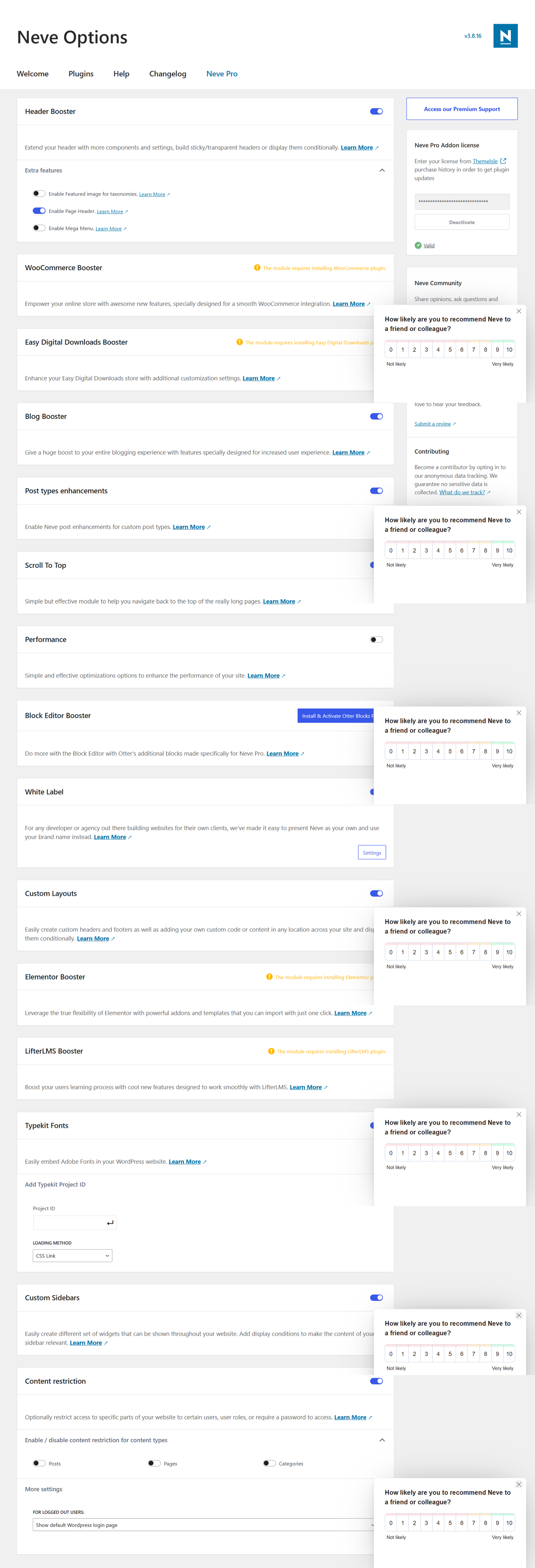
Header Booster
Add advanced header options such as sticky headers, transparent headers, and conditional headers based on page content or user behavior. These features enhance navigation, improve user experience, and give your website a modern look.
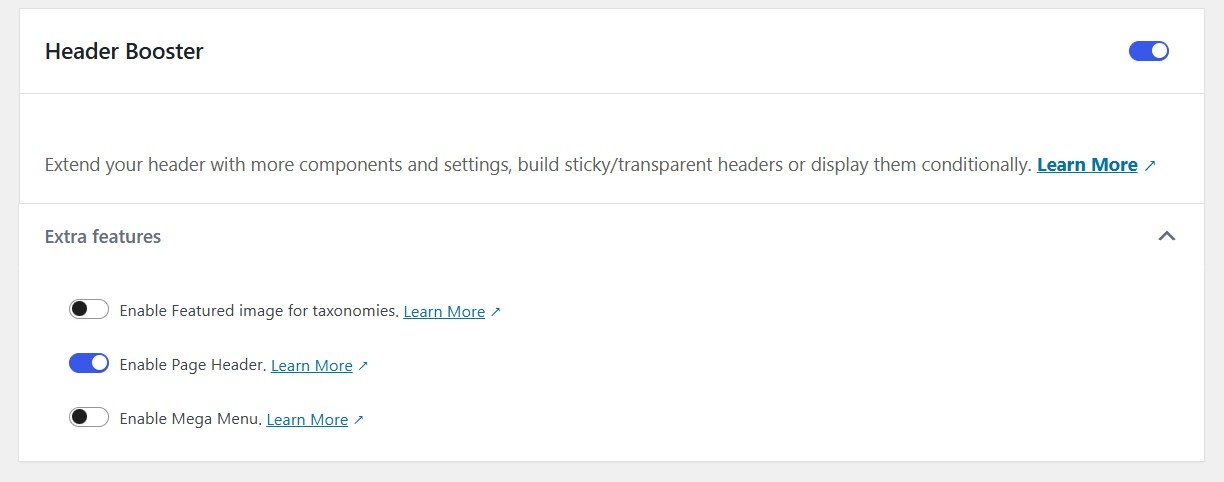
Blog Booster
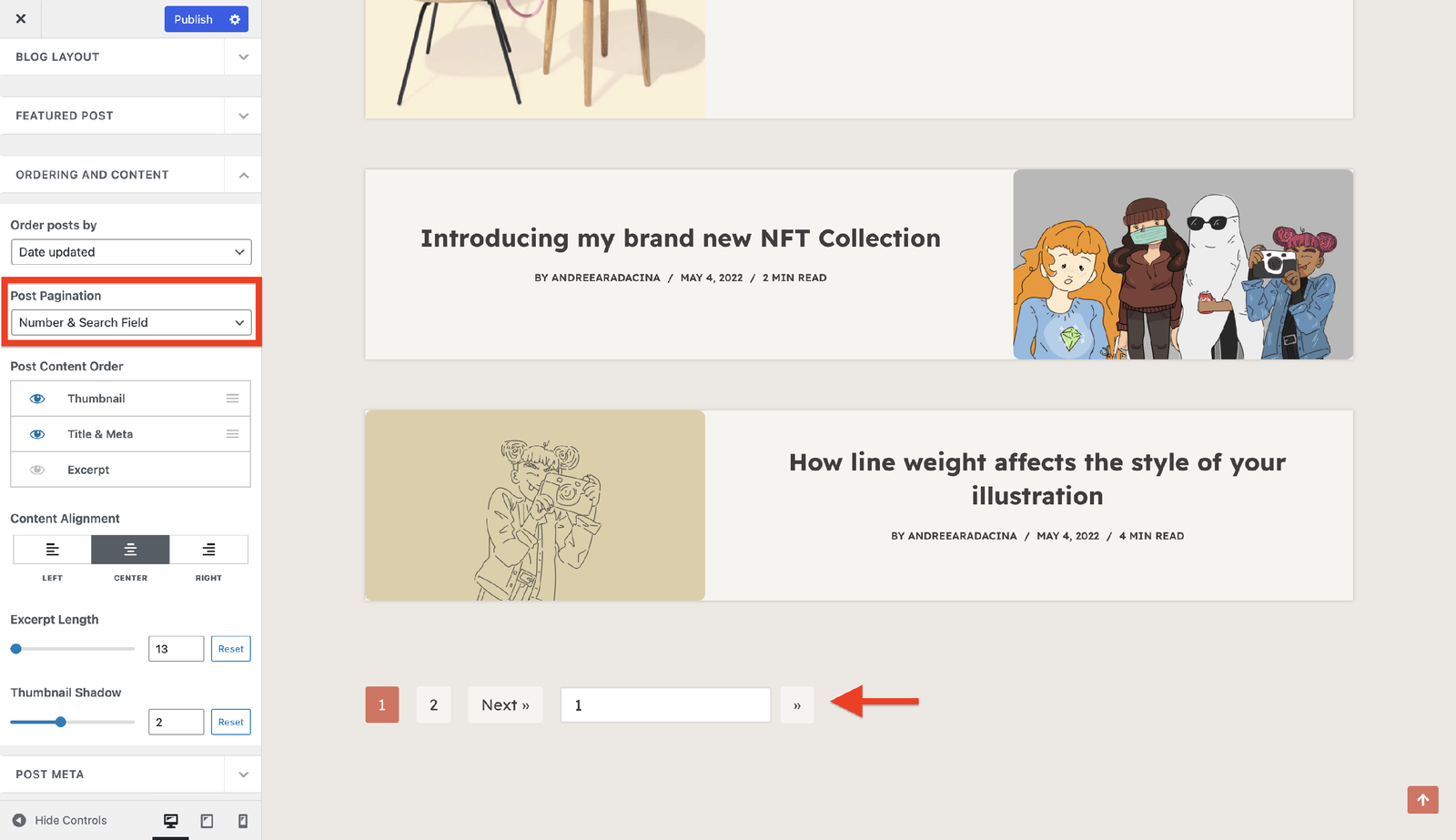
Transform your blog into an engaging hub with enhanced layouts, post navigation tools, and customizable meta settings. You can highlight specific categories, create featured post sections, and make your content more visually appealing and easier to consume.
Scroll To Top
Add a “Scroll to Top” button to improve navigation and usability, especially on content-heavy pages. Customize its style, position, and animation to blend seamlessly with your website’s design.
Elementor Booster
Unlock premium widgets and design capabilities in Elementor. With advanced animations, sticky elements, and customizable sections, you can create dynamic and visually stunning pages that leave a lasting impression on visitors.
Custom Layouts
Craft unique layouts tailored to specific pages, posts, or categories. Whether it’s a landing page for a marketing campaign or a custom portfolio page, this feature provides unparalleled flexibility to design bespoke content layouts.
WooCommerce Booster
Take your online store to new heights with advanced features like product filters, quick view options, custom checkout designs, and more. These enhancements make shopping more intuitive and enjoyable for customers, driving higher conversions.
Typekit Fonts
Access a diverse library of premium Typekit fonts to elevate your website’s typography. Experiment with unique and professional font choices that reflect your brand’s personality and improve readability.
Booster LifterLMS
Optimize your e-learning platform with advanced LifterLMS integrations. Design captivating course layouts, improve student navigation, and add custom elements to enhance the learning experience for users.
White Label
Rebrand the Neve theme entirely for client projects. Replace Neve’s branding with your own logos and names to deliver a polished, professional product to your clients.
Performance
Boost your website’s performance with premium optimization tools. Minify CSS and JavaScript, enable lazy loading for images, and reduce server response times to create a faster and smoother user experience.
The Templates Cloud
Get exclusive access to a vast library of pre-designed templates. Easily import and customize these templates to save time and effort, whether you’re building a personal blog, corporate website, or e-commerce store.
Conclusion
Customizing the Neve theme is a straightforward and rewarding process.
Whether you’re using the free or premium version, Neve’s features ensure that your website stands out in terms of design, functionality, and performance.
By leveraging Neve’s customization options, you can create a professional website that meets your unique needs.
Don’t wait—start customizing Neve today and unlock your website’s potential!

